IoT and gateways · Updated October 2026
Indoor asset tracking and how the system works
What an indoor asset tracking system is made of, how it finds a pallet or a tool inside a building, and what the map, the zones and the reports give you.
Quick answers
- What is indoor asset tracking? Hardware and software that show where your equipment, pallets and racks are inside a building, on a map you open in a browser or an app. More
- How does it find an asset indoors? Wireless beacons fixed to walls and ceilings pick up the tag on each asset, and mapping software places that reading on the floor plan. More
- What can you do with the data? See each asset on a live map, get an alert when it leaves or enters a zone, and review how assets and space were used over weeks. More
- Who uses it? Healthcare, retail and manufacturing sites, anywhere staff lose time looking for shared equipment or stock. More
What is indoor asset tracking?
Indoor asset tracking is a set of hardware and software that monitors where your assets are inside a building. The assets are the things that move and get lost: pallets, racks, carts, tools, medical equipment.
Each asset carries a tag or a label. The building carries the receivers that locate it. Software puts the result on a floor plan, so anyone with access can look up where an item is instead of walking the site to find it.
Healthcare, retail and manufacturing all use it. The common thread is shared equipment that several people need and nobody owns.
How does an indoor asset tracking system work?
Three parts do the work in order: a tag on the asset, wireless beacons fixed in the building, and mapping software that holds the floor plan.
1. A tag on each asset
Every item you want to find gets a tag or label. For pallets and racks a QR label scanned with a phone can be enough; items that move on their own schedule need a wireless tag.
2. Beacons fixed in the building
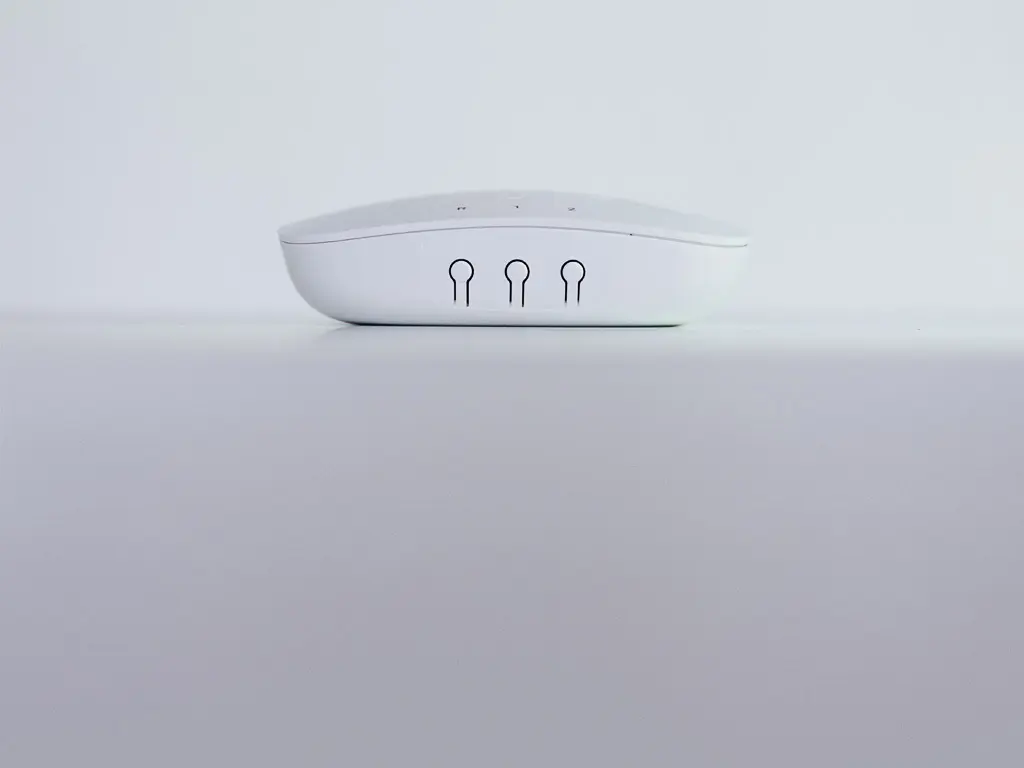
Wireless beacons go on walls, ceilings or other fixed points. Their positions are known, so the system can work out where a tag is from which beacons hear it.
3. Mapping software
Indoor mapping software holds the floor plan of the building and places each reading on it. The same software keeps the history of where every asset has been.
How do I track my assets with an indoor tracking tool?
You open the map, set the zones that matter and let the system tell you when something is out of place. Four features do most of the work.
An interactive map
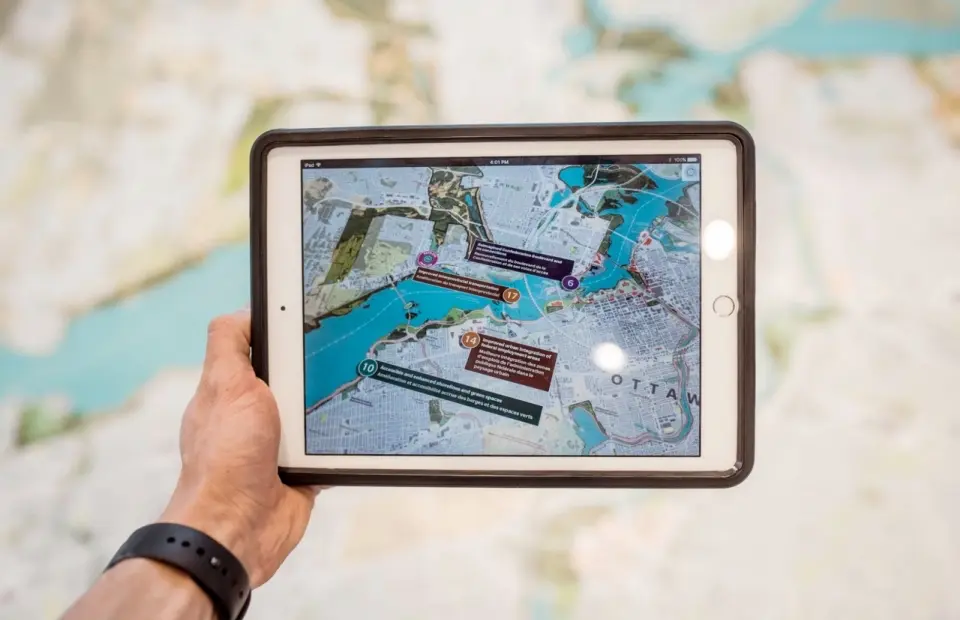
Each asset shows on the floor plan where the beacons last placed it. You search by name or label instead of walking the aisles.
Zones and alerts
In the web interface you draw zones, such as a storeroom, a loading dock or a ward. The system sends an alert when an asset leaves or enters a zone.
Space and movement over time
The history shows how assets moved and how each area was used across days and weeks. That is the data behind decisions about layout and how much equipment you need.
QR scans and custom labels
For pallets and racks, a scan of the QR code with a phone records the item and its place. Custom labels let you group assets by type, owner or site.
What are the benefits of indoor asset tracking?
You stop searching for things, you can see who and what is on site, and you get the numbers to plan inventory and space.
Find assets quickly
The map shows the last known place of each item, so staff look it up instead of searching room by room.
Know what is on site
Zone alerts flag equipment that leaves the area it belongs to, which is how most shared items go missing.
Plan inventory and space
Movement history shows which areas are crowded and which equipment sits idle, so you buy and arrange based on use.
Is indoor asset tracking worth it for your site?
It pays where three things are true: you have many shared items, they move between areas, and people spend time looking for them. A warehouse of pallets and racks, a hospital floor of carts, a plant with tool cribs all fit.
Start with the cheapest layer that answers your question. If you only need to know what you own and where it was last checked in, QR labels and a phone scan may be enough. Add beacons and wireless tags when you need to know where an item is now without anyone scanning it.
Once the system runs, the records are useful beyond finding things. Our guide to simple asset tracking for usage and maintenance compares barcodes, RFID and GPS and shows how the data helps you plan repairs and replacements.
| You need to know | Simplest layer that answers it |
|---|---|
| What you own and where it was checked in | QR labels and a phone scan |
| Where an item is now, without a scan | Wireless tags and fixed beacons |
| When an item leaves an area | Beacons plus zone alerts in the software |
| How space and equipment are used | The movement history the software keeps |
Where this applies at Maxlab
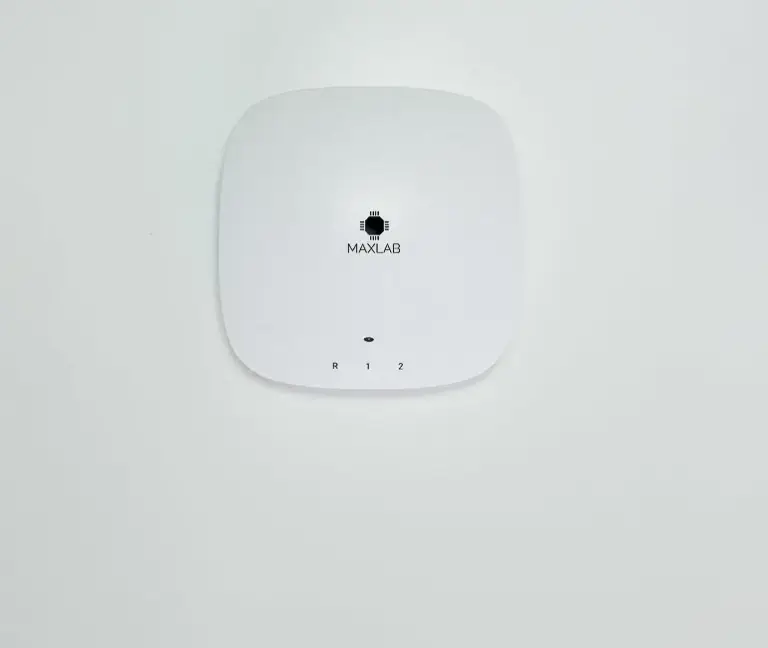
We do not sell an asset tracking product. The parts underneath one are what we build: the radio hardware in the building and the platform the data lands on. Our ESP32 gateway carries Wi-Fi, Zigbee and Bluetooth LE radios and passes what it hears to your system over MQTT or HTTP. We designed it for a client, and 1,750 units shipped, with the first production batch four months after kickoff.
Rainforest IoT, our hosted platform, registers each device, shows its data on a dashboard, sends an alert when a value crosses a threshold or a device goes quiet, and updates firmware over the air. If you are building a tracking tag, a beacon or a gateway of your own, our hardware and firmware services cover the design from schematic to production.
- Gateway radios
- Wi-Fi, Zigbee, Bluetooth LE on an ESP32
- Gateway shipped
- 1,750 units, first batch in four months
- Data out
- MQTT or HTTP to your system or Rainforest IoT
- Platform
- Dashboards, alerts, firmware over the air
Building tracking hardware for your sites
Tell us what you need to track, how many sites and items, and what system the data should reach. We reply within 24 hours.
Or email [email protected] or book a 30-minute call.
Common questions
What does an indoor asset tracking system include?
Three parts: a tag or label on each asset, wireless beacons fixed to walls and ceilings, and indoor mapping software that holds the floor plan. The software adds the map, the zones and the movement history that you see in a browser or a phone app.
How is an asset located indoors without GPS?
GPS needs a view of the sky, so inside a building it gives little or nothing. Fixed beacons take its place: their positions are known, and the system places a tag on the floor plan from the beacons that pick it up.
What is the difference between indoor asset tracking and indoor asset management?
Tracking answers where an item is and where it has been. Management uses those records, together with ownership, condition and service history, to decide what to buy, move, repair or retire. Our guide to simple asset tracking covers the management side.
Which industries use indoor asset tracking?
Healthcare, retail and manufacturing are the common ones. Hospitals track carts and shared equipment, stores and warehouses track stock, pallets and racks, and plants track tools and work in progress.
Can I get an alert when equipment leaves an area?
Yes. In the web interface you draw zones on the floor plan, such as a storeroom or a loading dock, and the system sends an alert when a tagged asset leaves or enters one.
Do I need a map of the building?
Yes. The mapping software works from a floor plan of each level, and the beacon positions are marked on it. Without the plan the system can say which beacon heard a tag, but not where that is on the site.
Can QR codes be part of an indoor tracking system?
Yes. Pallets, racks and other inventory can carry a QR label that staff scan with a phone to record the item and its place. It costs less than a wireless tag, but the location is only as fresh as the last scan.
Can the tracking data go into our own software?
It depends on the system you choose. Hardware we build sends its data over MQTT or HTTP, so it can feed your own application, a database or our hosted Rainforest IoT platform, which also has a REST API.